

Custom Webhooks: Signed, Real-time Events from Upvoted to Any Endpoint
upvoted webhooks
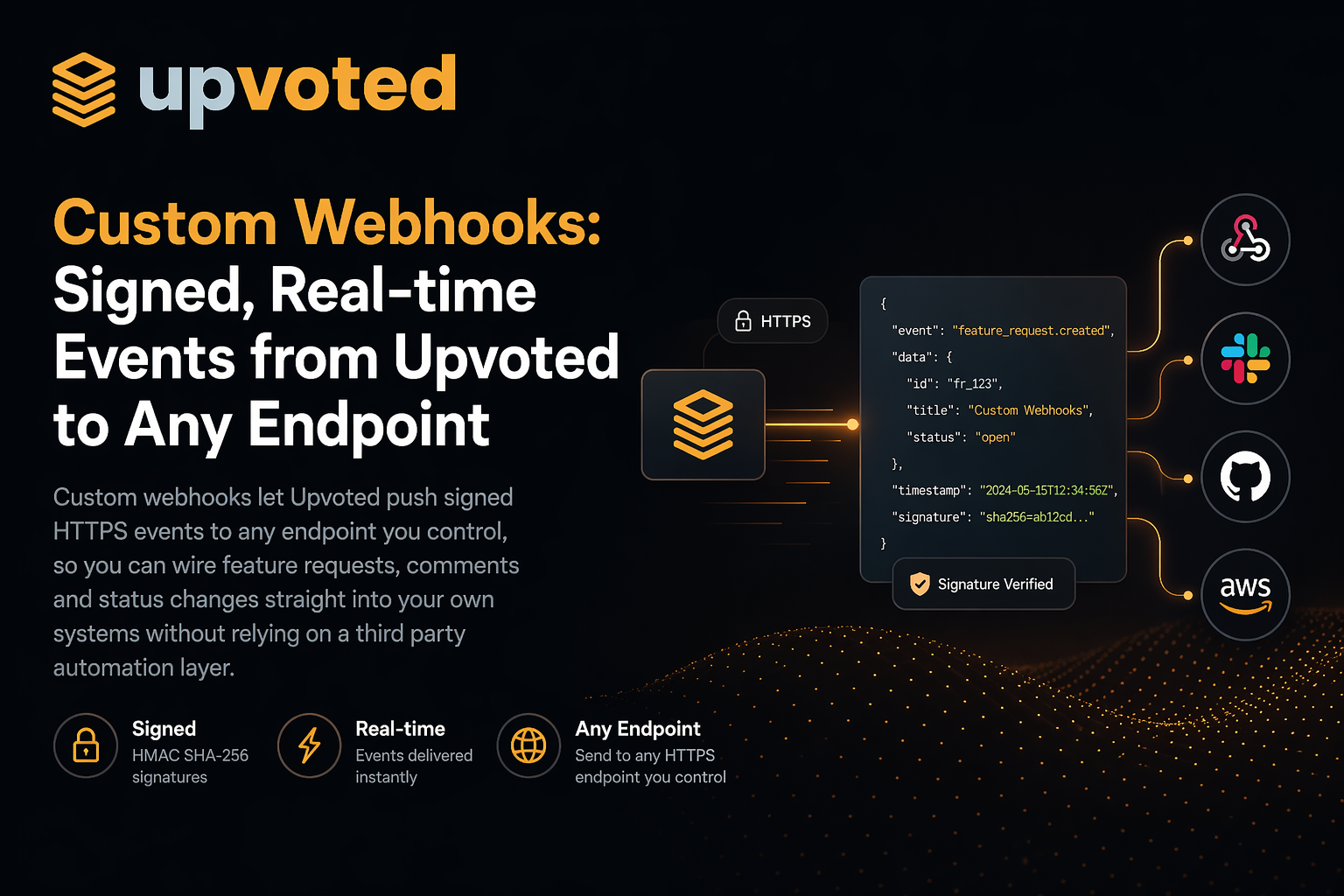
Custom webhooks let Upvoted push signed HTTPS events to any endpoint you control, so you can wire feature requests, comments and status changes straight into your own systems without relying on a third party automation layer
Why webhooks matter
Slack tells your team what happened. Zapier moves data between SaaS tools. But sometimes you want the event to land directly on your own servers:
- To store it in your data warehouse
- To trigger a workflow in a custom internal tool
- To update a microservice that does not live in Zapier’s catalog
- To power dashboards, reports or customer-facing pages
Webhooks give you a direct channel. Upvoted sends the event, your endpoint receives it, and the rest is up to you.
Events you can subscribe to
When you configure a webhook you choose which events should fire:
-
feature.createdwhen a user submits a new feature request -
comment.createdwhen someone comments on a feature -
feature.status_changedwhen an admin moves a feature to a new status
Each delivery includes full context: the feature or comment itself, the author, the board, the URL in Upvoted, timestamps and, when relevant, any image attached to the request.
Designed for developers
Custom webhooks in Upvoted follow the patterns developers already know:
- Every request is a single JSON POST
-
Payloads are structured with a stable
id,type,createdenvelope and adata.objectpayload - Every delivery is signed with HMAC-SHA256 using the same scheme Stripe uses
-
A
Upvoted-Event-Idheader gives you an idempotency key out of the box
Verifying the signature takes a few lines of code in Node, Python, Ruby, Elixir or any language with an HMAC library. The full guide lives on the Custom Webhooks page.
A delivery log you can trust
When something goes wrong with a webhook, the hard part is usually figuring out what was actually sent.
Upvoted keeps a delivery log for every webhook:
- Every attempt is recorded with status, duration and timestamp
- You can open any delivery to see the full request body, signature and response
- Test events fired from the admin UI show up in the log with a clear badge
- Records are retained for thirty days and then pruned automatically
That means you can debug integration issues without trawling through server logs on both sides.
Secure by default
Security is built into the product, not bolted on:
- Webhook URLs must use HTTPS
- Each webhook has its own signing secret, generated when you create it
- The secret is shown only when you click reveal, and can be copied with a single button
- The signature header includes a timestamp so your endpoint can reject replayed requests
You set it up once and the platform handles the rest.
Works alongside Slack and Zapier
You do not have to pick one integration path.
- Use Slack for instant human visibility
- Use Zapier for quick no-code flows to other SaaS tools
- Use custom webhooks for anything you want to own end to end
They all run from the same events, so you can mix and match as your product grows.
Get started
To add a webhook:
- Open your board settings in Upvoted
- Go to Webhooks and click New Webhook
- Paste your HTTPS endpoint and pick which events should fire
- Save, reveal the signing secret and copy it into your server’s environment
- Use the Send test button to fire a sample event and confirm everything works
From there, Upvoted will push events in real time to your endpoint, with a full delivery log you can inspect whenever you need to.
A direct line from your users to your stack
Custom webhooks give you:
- Real-time events on your own infrastructure
- Signed payloads you can trust
- A clear delivery log for debugging
- A clean, developer-first API that fits whatever you are building
If you have ever wanted feedback to flow straight into your own systems, custom webhooks are the path of least resistance.
 Steve Means
Company
Product
Legal
Other apps from Releasy

Indie friendly lightning fast polling you can embed anywhere or share with one click. Generate polls with AI in seconds, get detailed stats, and configure everything in seconds.

The headless API first Issue Tracker. Report issues from anywhere, share them with anyone. Supabugs is the fastest and simplest platform to report, track, and resolve issues.

Connect Stripe, Shopify, PayPal, GitHub and 10+ other platforms. Get instant push notifications on your phone when payments land, orders ship, or subscriptions cancel.

A text RPG of private descents. AI generates a fresh dungeon in real time every playthrough, shaped by your choices and never repeated.

Try Releasy, the hassle-free test management platform and issue tracker for agile teams. Releasy allows your clients, even those without a technical background to test, validate, and accept project releases with ease.